Product
Their hours are theirs too
The working-time record stays available to the workers (art. 34.9 of the Estatuto). When each person can consult and download their own, there is less reason for disputes over hours.
What they can do
They sort it out themselves, without asking you
See their working time
Day by day, with clock-ins, clock-outs, breaks and totals for the current month.
Download their records
The current month, in CSV and PDF, without asking anyone’s permission. For the moment, previous months are requested from the company.
See their hours balance
What was agreed against what was worked.
Request a correction
If they forgot to clock in. It edits nothing: it opens a request that the company approves or rejects.
Request holidays
And see the team calendar, when the company has that option switched on.
Receive their summary
In preparation: automatic sending together with the payslip. Today each person downloads their summary whenever they want.
The obligation
Handing over the summary with the payslip
There is an obligation that is not new: article 35.5 of the Estatuto de los Trabajadores requires a copy of the summary of hours to be handed to the worker together with the payslip, when there is overtime. It has been in force for decades.
The draft Royal Decree extends it and makes it explicit in its article 6.1: the company will hand over, together with the payslip, a copy of the summary of the pay period.
What we want is for it to be sent automatically: for each person to receive their summary every month without anyone having to remember. That automatic sending is in preparation; today the person can download their summary whenever they need it and the company has to hand it over with the payslip.
BOEEstatuto de los Trabajadores, art. 35.5: summary of hours with the payslip
Corrections
When someone forgets to clock in
It happens every day, and it is not a system failure: it is life. What matters is how it gets fixed.
From the portal, the person opens a request with the time that should be recorded and the reason. The company reviews it and approves or rejects it. Neither party can change a record on their own, which is exactly what article 4.b of the draft asks for.
And if there is no agreement, whoever holds the administrator password does not win: both versions are kept, the company’s and the worker’s disagreement.
Privacy
What the company does not see
The portal is for clocking and working time. There is no activity monitoring, no screenshots, no log of the pages someone visits and no control of the computer.
We do not build it because measuring productivity is not recording working time, and because the data minimisation principle (art. 5.1.c of the GDPR) makes it hard to justify.
Of the location, only the one at the moment of clocking is stored, and only with the workplace geofence switched on. Between one clocking and the next, nothing. Outside working time, nothing.
Frequently asked questions
What can each person see in the portal?
Their working time day by day, with clock-ins, clock-outs, breaks and totals for the current month, and their hours balance: what was agreed against what was worked.
Can they download their records?
The current month, in CSV and PDF, without asking anyone’s permission. For the moment, previous months are requested from the company.
Can they change a clocking from the portal?
No. They open a request with the time that should be recorded and the reason, and the company approves or rejects it. Neither party can change a record on their own.
What the law says
These pages are in Spanish.
How it looks
Screenshots from the demo
Images of the app in demo mode, with a fictitious company and fictitious people. The service is not yet open to the public.
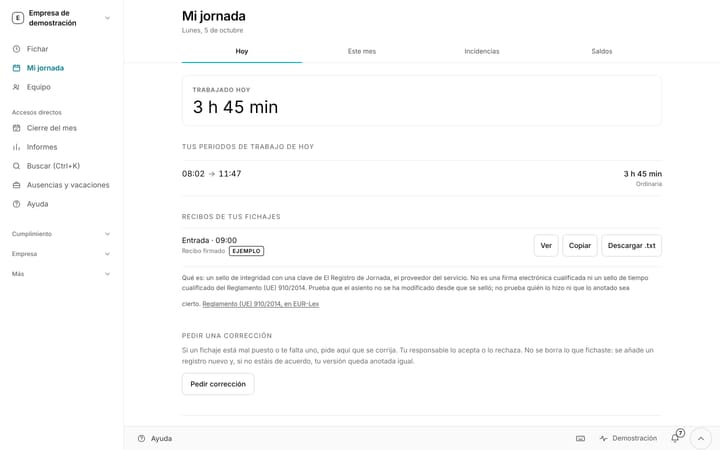
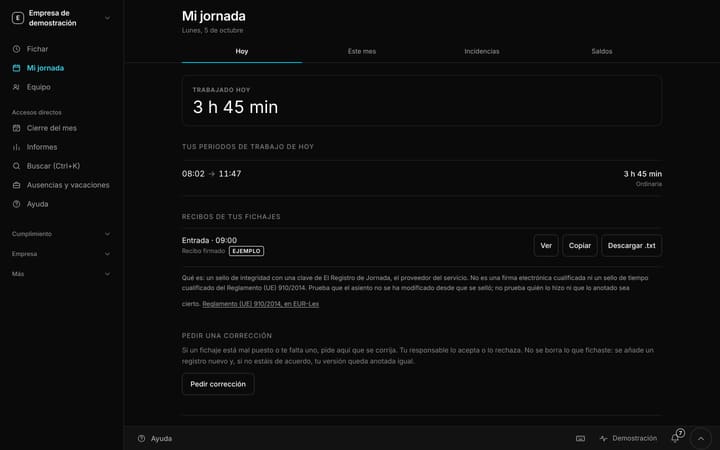
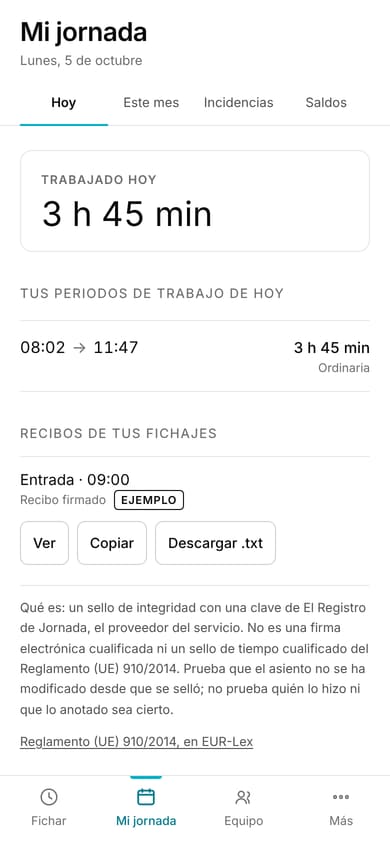
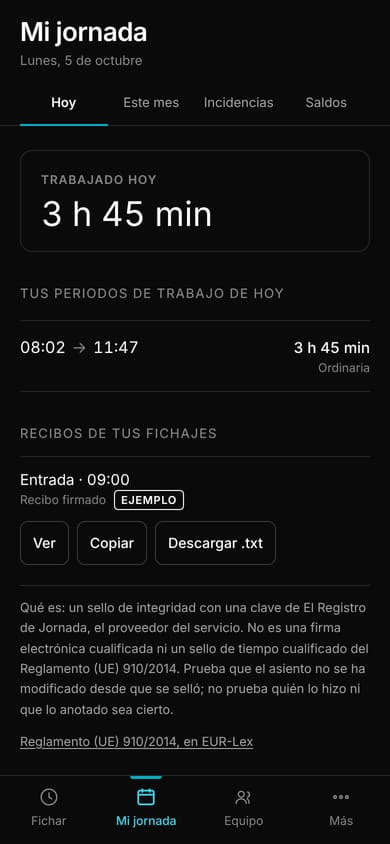
My working day: what I clocked todayIn demo
Screenshot from the demo, with fictitious data.
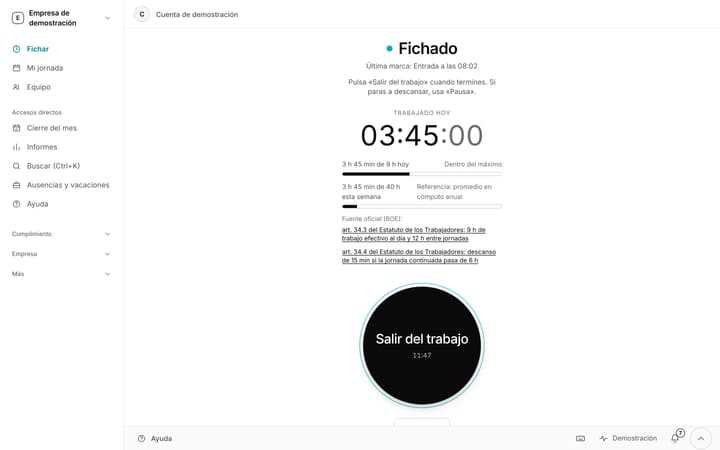
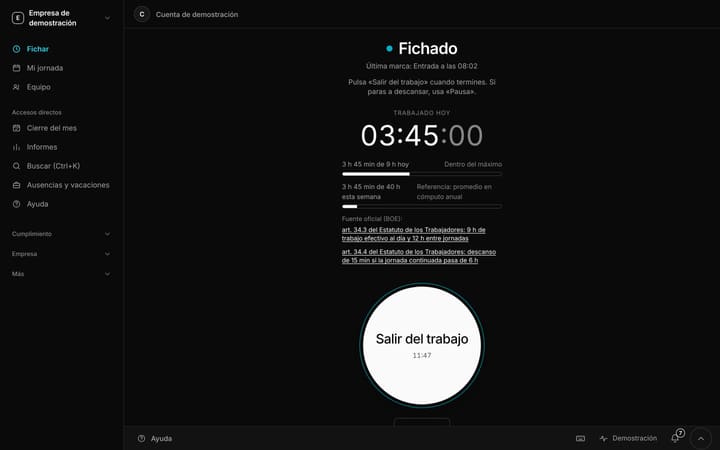
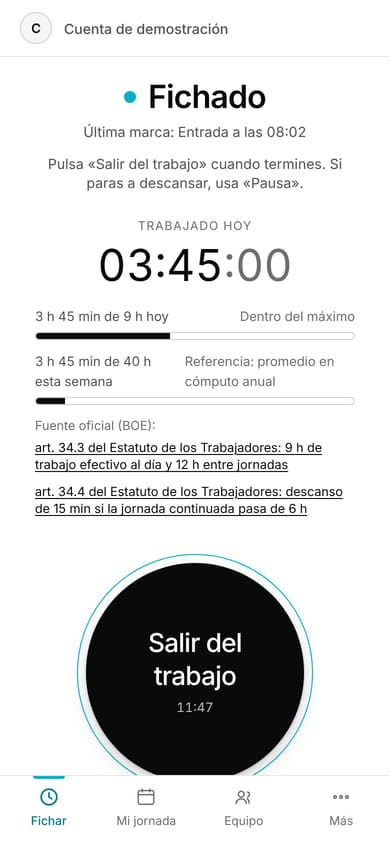
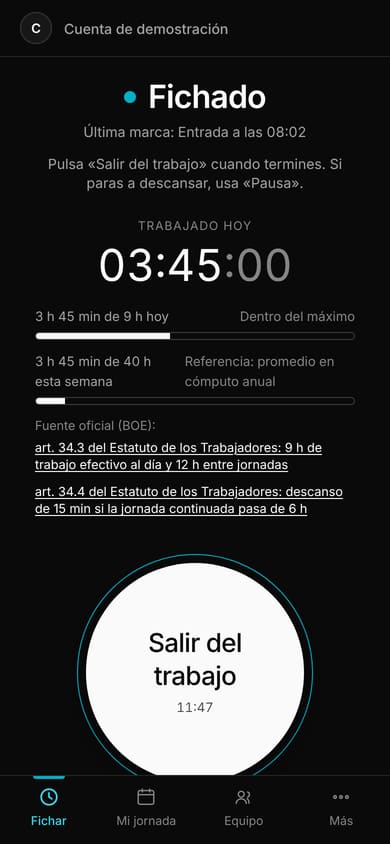
Clocking in: working day under wayIn demo
Screenshot from the demo, with fictitious data.
Free until 31 May 2027. Just your email.
No card and no billing details: your email is all you need to start. You register your team in five minutes and you clock in today.