Product
Each piece solves a specific obligation
We have reviewed the Estatuto de los Trabajadores and the draft Real Decreto (still being drafted) article by article, and each piece answers one of their obligations.
Art. 34.9 of the Estatuto de los Trabajadores
Clocking in
Browser and installable web app on the phone, also without coverage and without biometrics. Kiosk, QR, NFC and watch: in preparation with real data.
Art. 2.2 of the draft: objectivity and reliability
Record integrity
Entries are neither edited nor deleted. Each one is chained to the previous one with a signature, and every night the day is sealed.
Arts. 6.3 and 6.4 of the draft
Reports and InspectorateIn preparation
Read-only link with an expiry date, export to CSV, Excel and PDF, and a chain verification report.
Art. 6.1 of the draft
Employee portalIn preparation
Each person views and downloads their own records for the current month. Automatic sending of the summary with the payslip is in preparation.
Arts. 37 and 38 of the Estatuto
Absences and holidaysIn preparation
Requests, approvals, team calendar and balances. Absences line up with working time without going through Excel.
Art. 34.2 and the collective agreement
Shifts and schedulesIn preparation
Planning, rotating shifts, multiple sites and cover. What was planned and what was actually worked, side by side.
Mobile app and watchIn preparation
iOS and Android apps and an Apple Watch app, in preparation. Today you clock in from the browser.
How we do it
What this product does not do, and why
A product is better defined by what it chooses not to do than by its list of features.
No biometrics
No fingerprints or facial recognition. The Spanish data protection authority (AEPD) treats them as high-risk data, and in an employment relationship consent does not hold.
No tracking
The location at the moment of clocking in is stored, not where anyone is for the rest of the day.
No separate modules
Everything is included in every tier. There are no features reserved for the expensive plan.
No lock-in
You can export a copy of your data whenever you want, including the day you leave.
API · In preparation
Your time records, connected to payroll, ERP and BI
An API so your payroll software, your ERP or your accounting firm can read the records without exporting spreadsheets. Included in every account for reading; API Pro if you need notifications and writing.
What it will let you do
- Read clock-ins, absences, holidays, month-end closings and reports, with the integrity chain.
- Signed webhooks that notify your system the moment someone clocks in or requests an absence.
- A read-only connector for AI assistants, with a key you control (planned).
- Libraries for TypeScript, Python, PHP and C#, plus a free test environment.
- Check a shift rota: every breach comes with its article and its link to the BOE.
API Basic
Included in every account
API Pro
€0.30 per person per month, with a minimum of €15 and a cap of €99
API Integrators
€79 a month with 20 connected companies; free development
In preparation, with no date yet: prices are planned and exclude VAT. Writing clock-ins through the API will not open until it has passed an external security review.
Would you rather have it all together, to read at your own pace or to pass to whoever decides? We have gathered the features, the official sources and the price in a commercial dossier in PDF.
Comparing with another program? See the alternative to Sesame HR, the alternative to Factorial, the alternative to Woffu, the alternative to Personio, the alternative to Bizneo HR and the alternative to Jibble. And if you need to connect it to your payroll or your ERP, there is the API, an add-on in preparation. The latest things we have added are in the application news.
What it looks like
Screenshots from the demo
Images of the application in demo mode, with a fictitious company and fictitious people. The service is not yet open to the public.
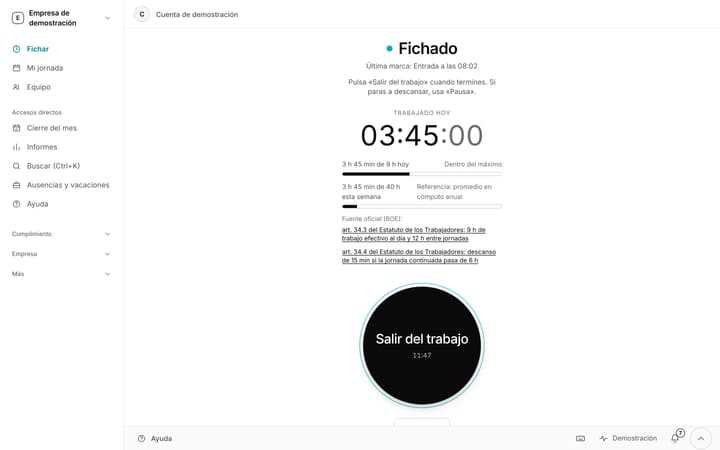
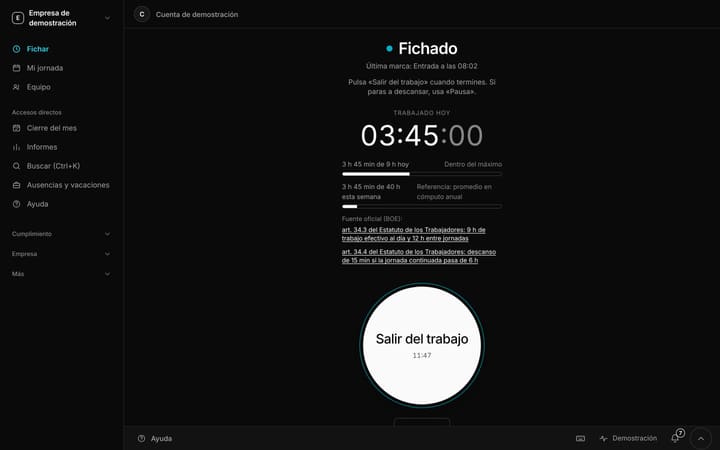
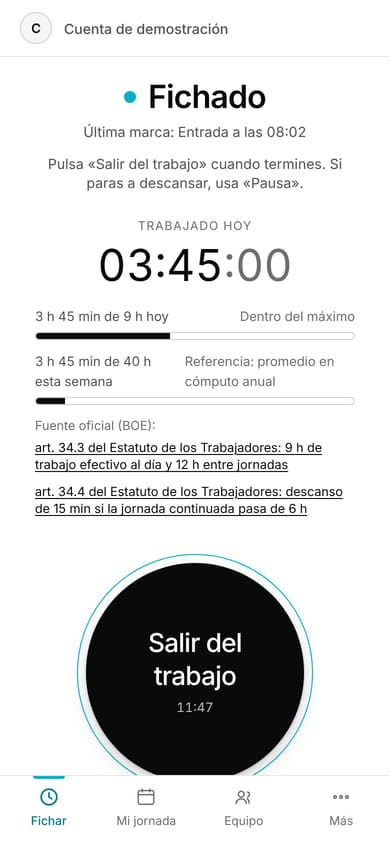
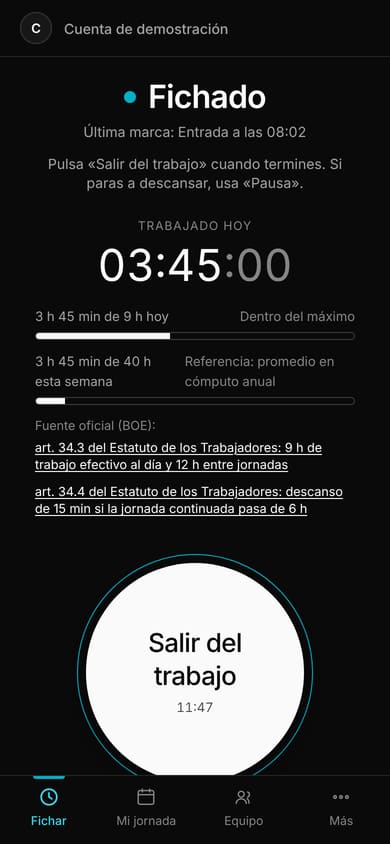
Clocking in: working day under wayIn demo
Screenshot from the demo, with fictitious data. The interface shown is in Spanish.
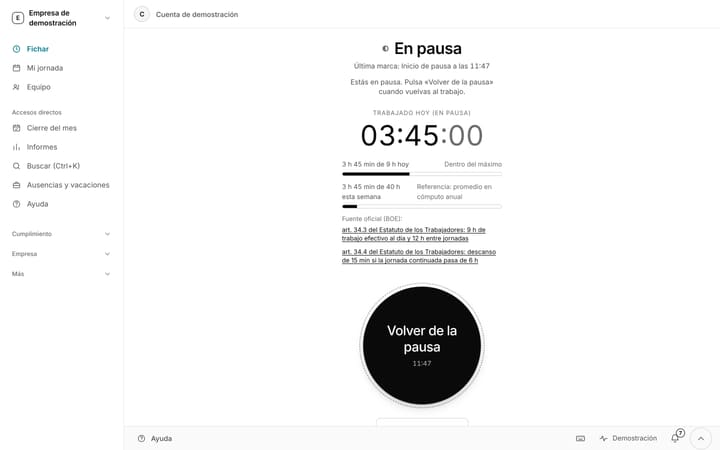
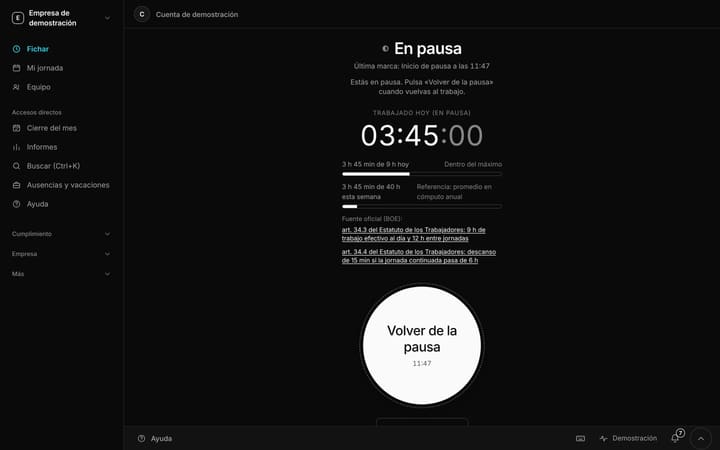
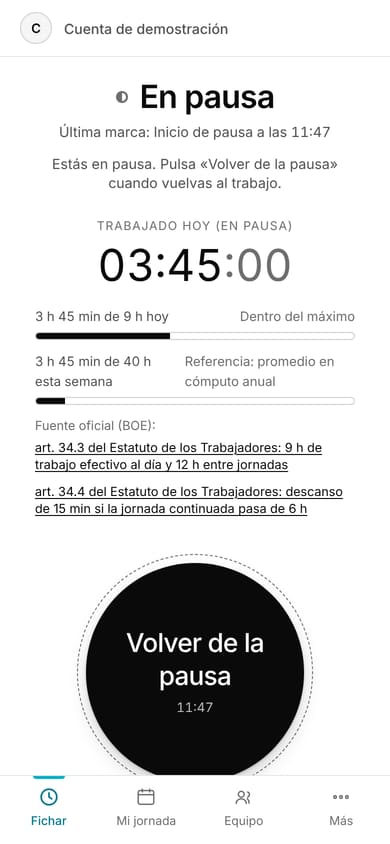
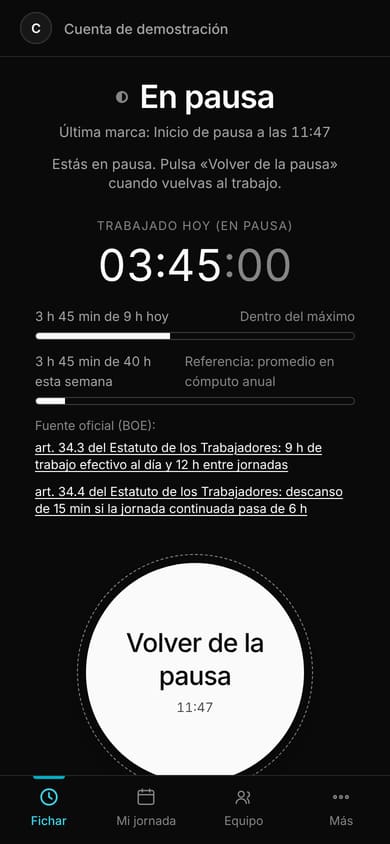
Clocking in: on a breakIn demo
Screenshot from the demo, with fictitious data. The interface shown is in Spanish.
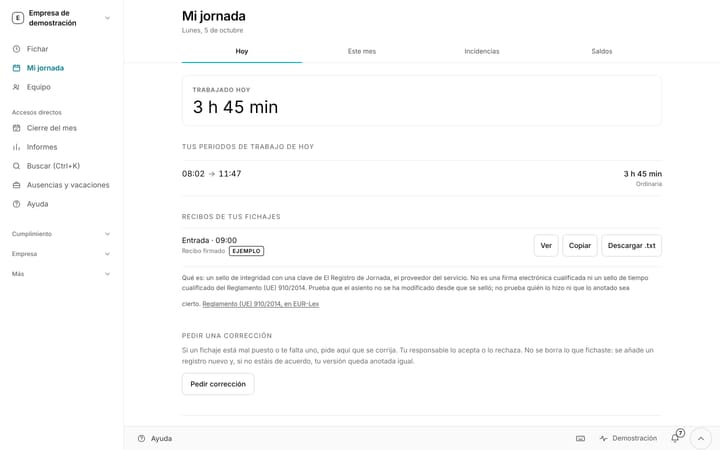
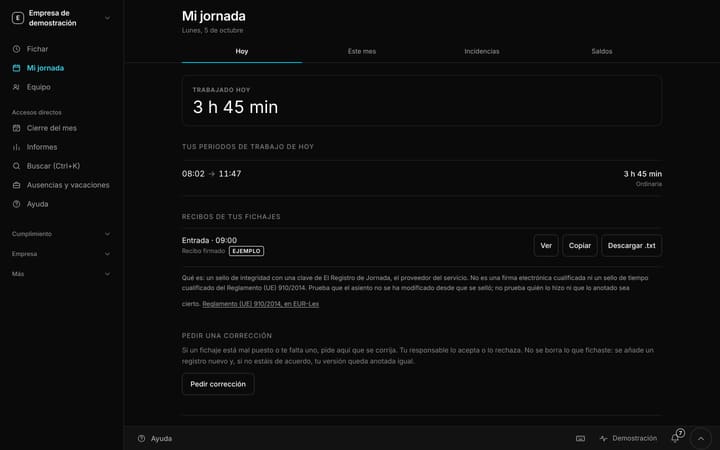
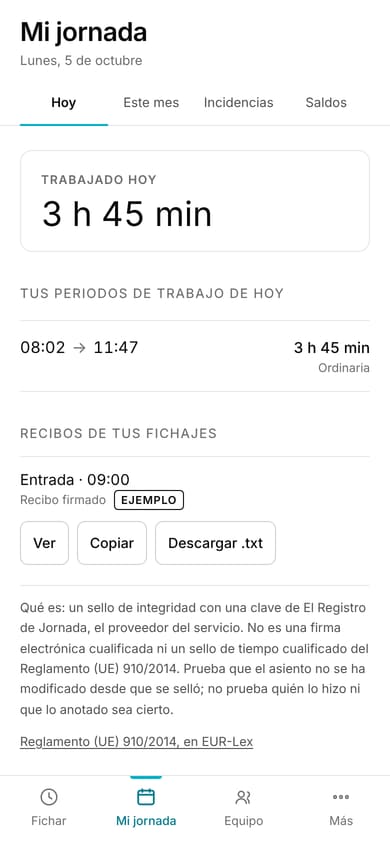
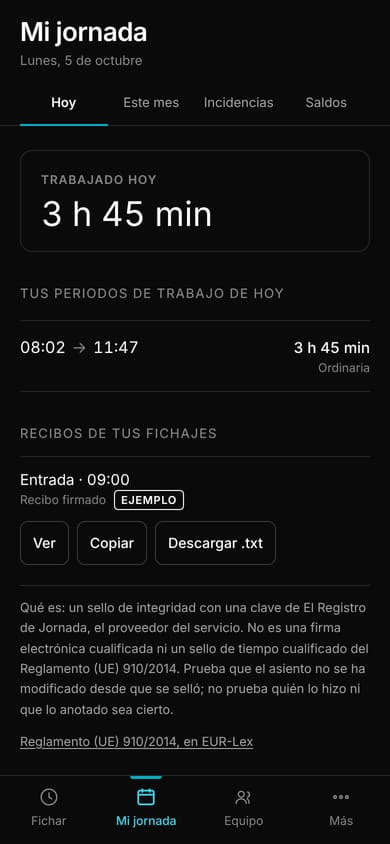
My working day: what was clocked todayIn demo
Screenshot from the demo, with fictitious data. The interface shown is in Spanish.
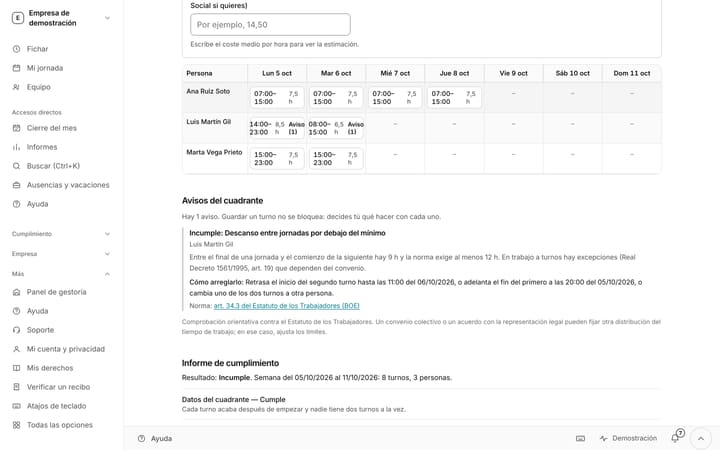
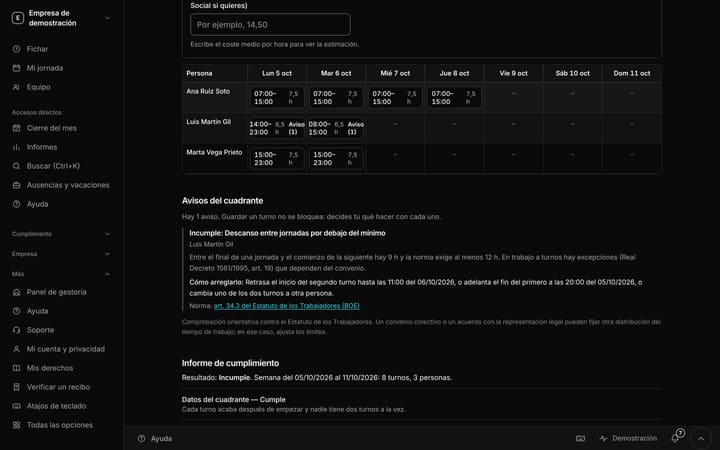
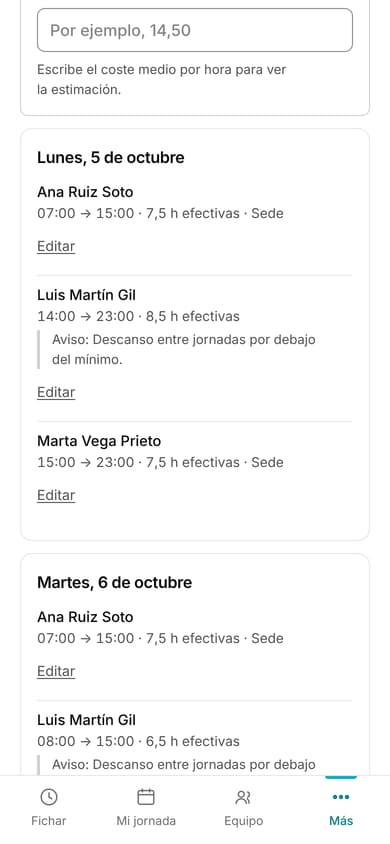
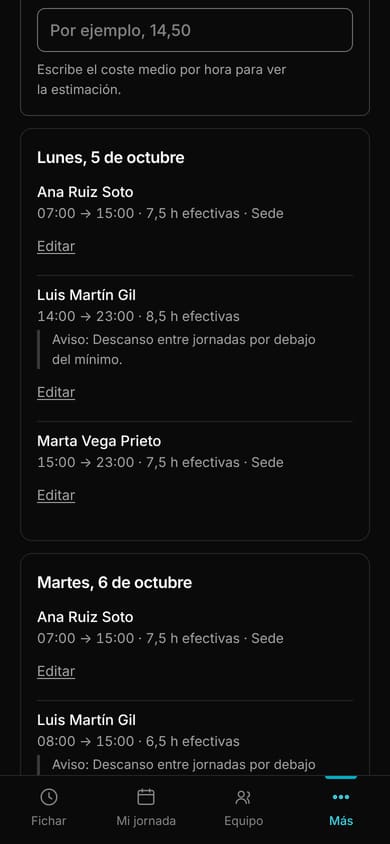
Weekly schedule: people by daysIn demo
Screenshot from the demo, with fictitious data. The interface shown is in Spanish.
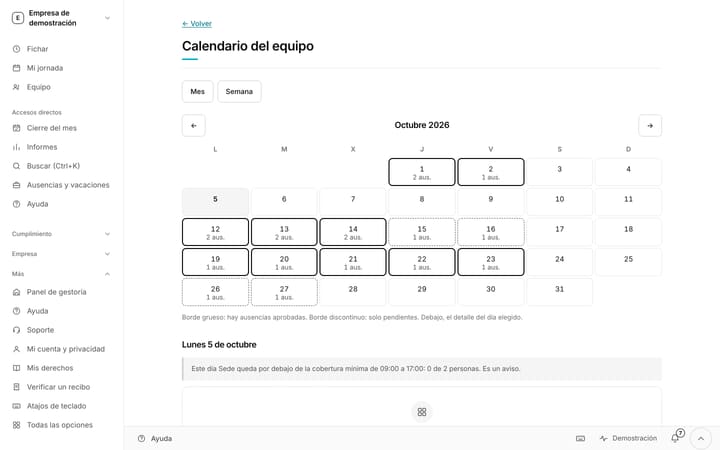
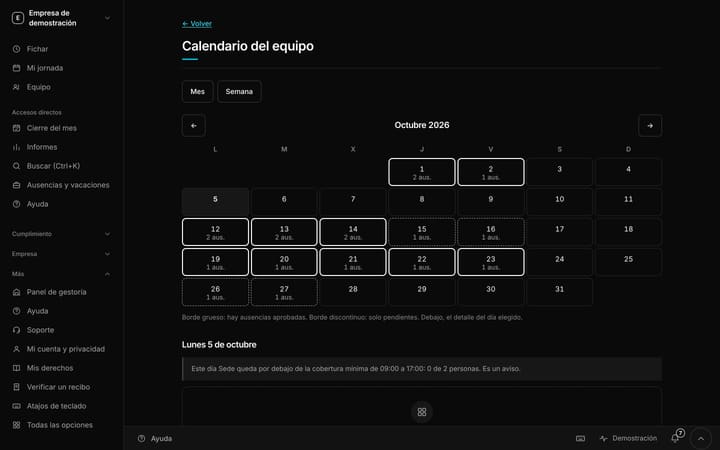
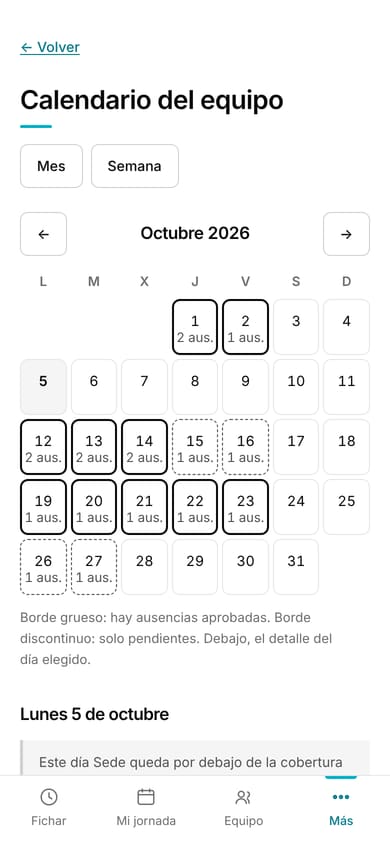
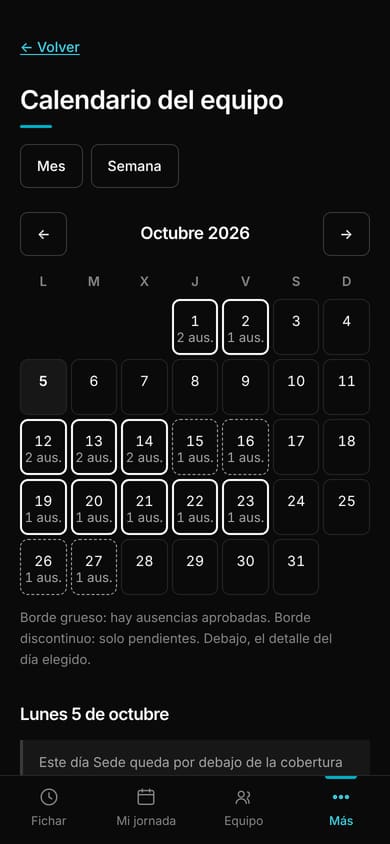
Team calendarIn demo
Screenshot from the demo, with fictitious data. The interface shown is in Spanish.
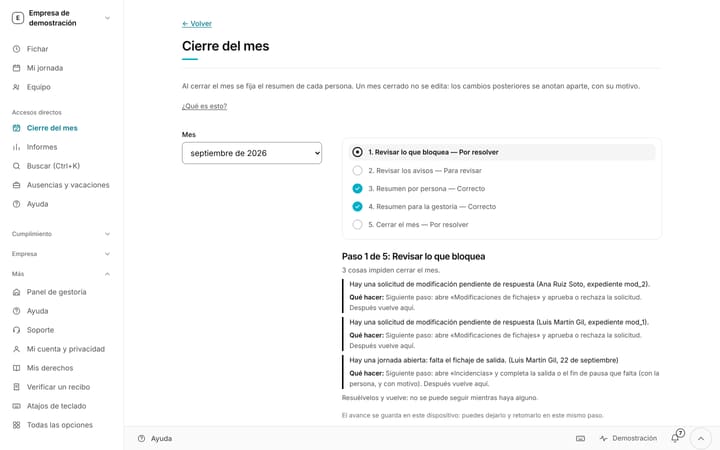
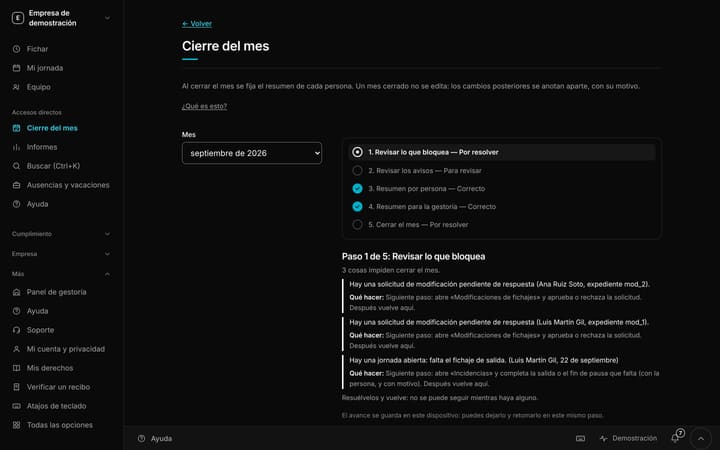
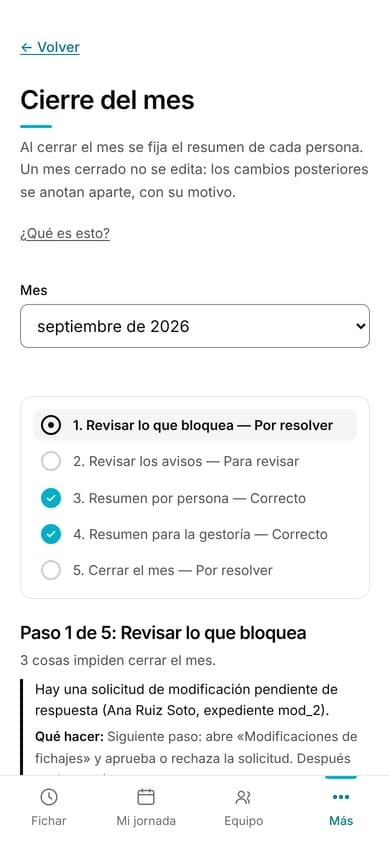
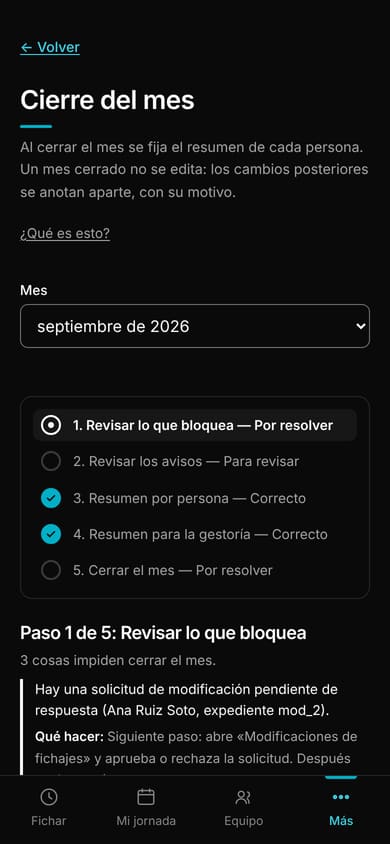
Month-end close, step by stepIn demo
Screenshot from the demo, with fictitious data. The interface shown is in Spanish.
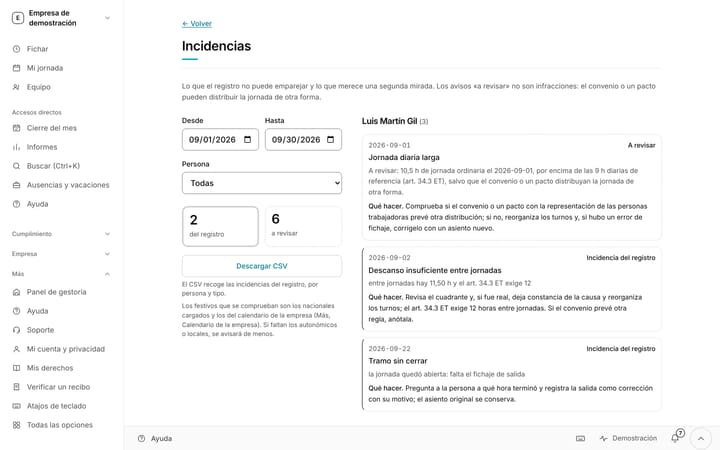
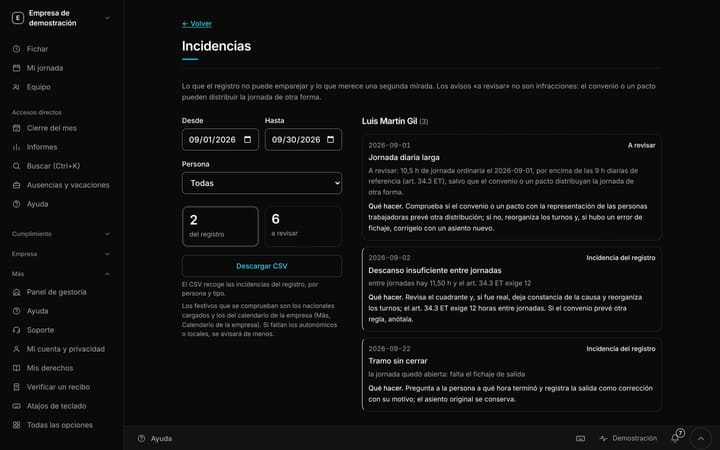
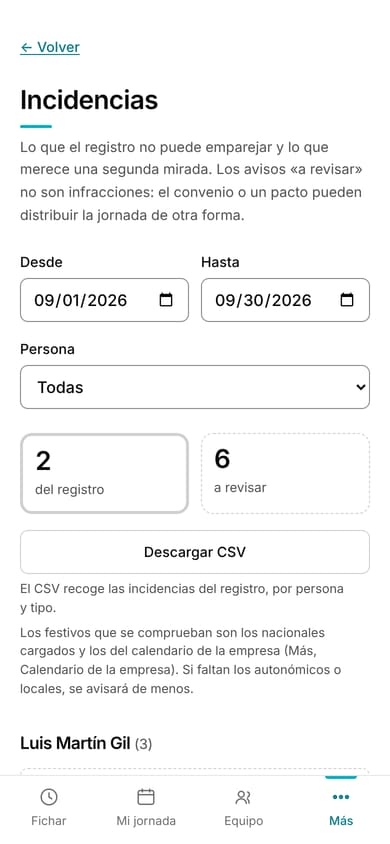
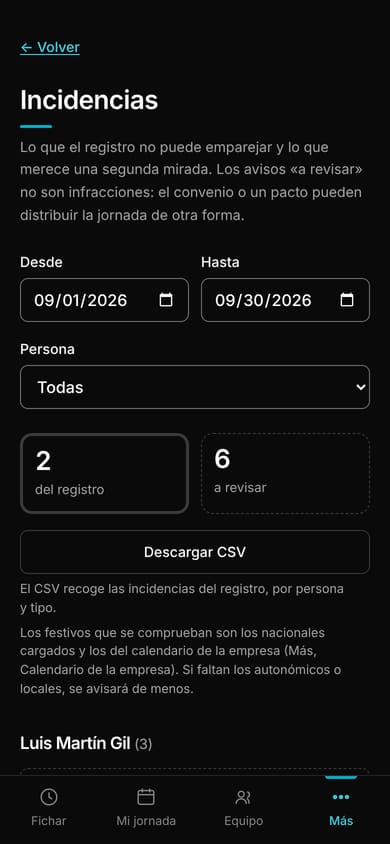
Recording issuesIn demo
Screenshot from the demo, with fictitious data. The interface shown is in Spanish.
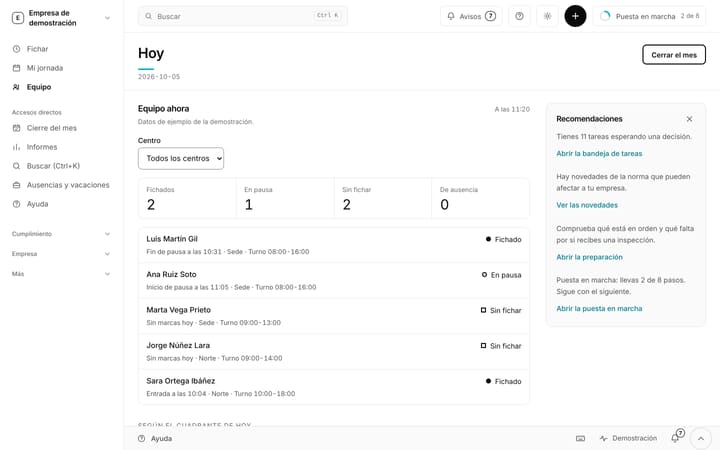
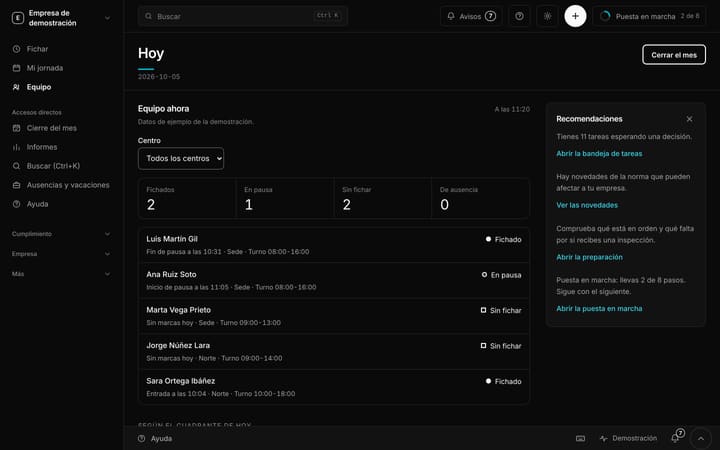
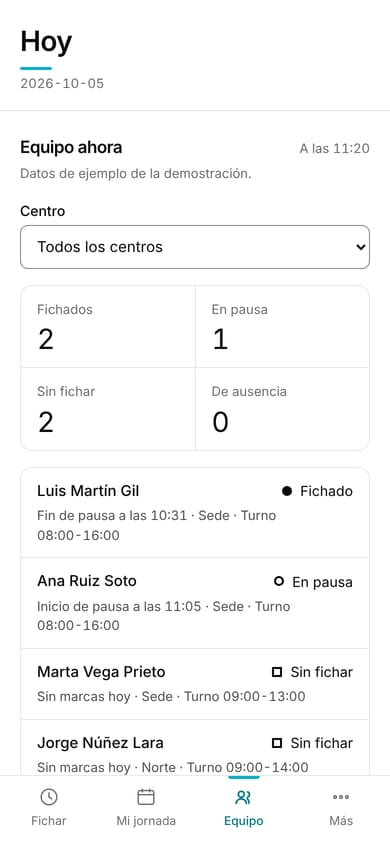
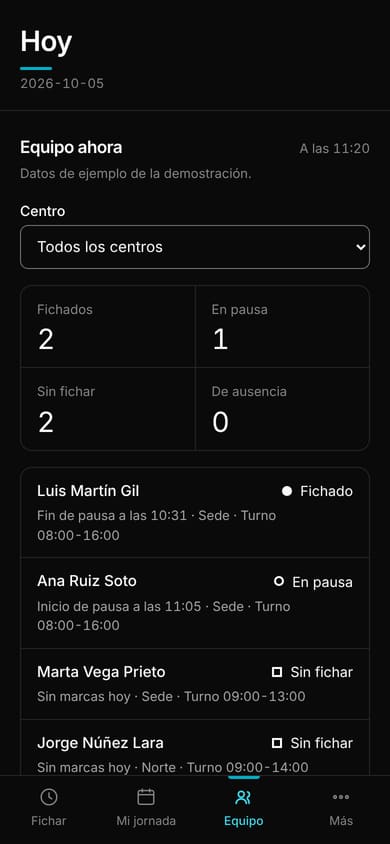
Team: who is clocked in right nowIn demo
Screenshot from the demo, with fictitious data. The interface shown is in Spanish.
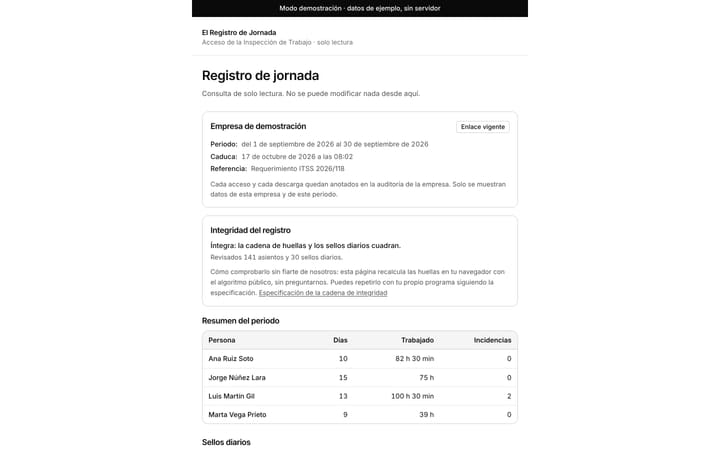
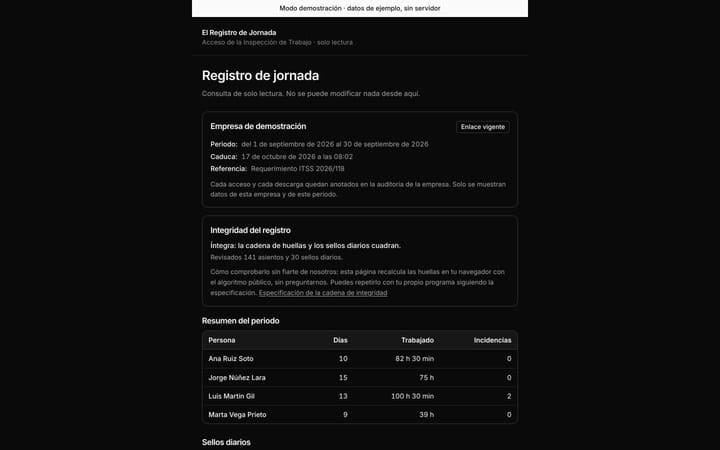
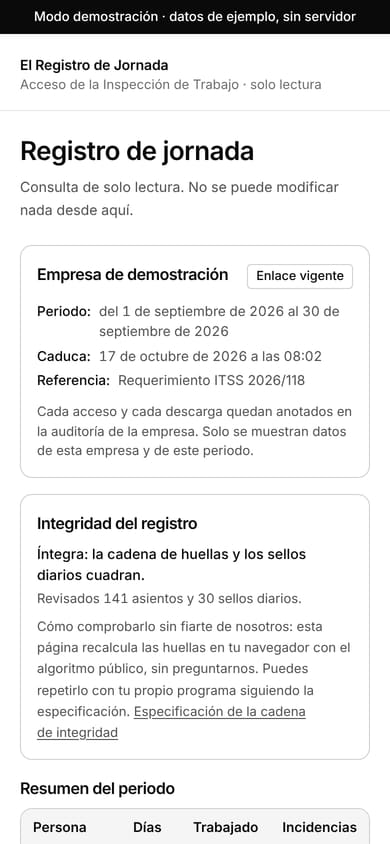
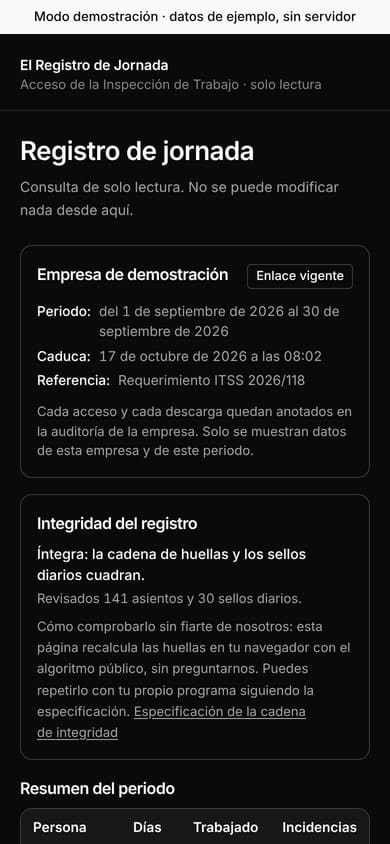
Read-only link for the Labour Inspectorate, with verificationIn demo
Screenshot from the demo, with fictitious data. The interface shown is in Spanish.
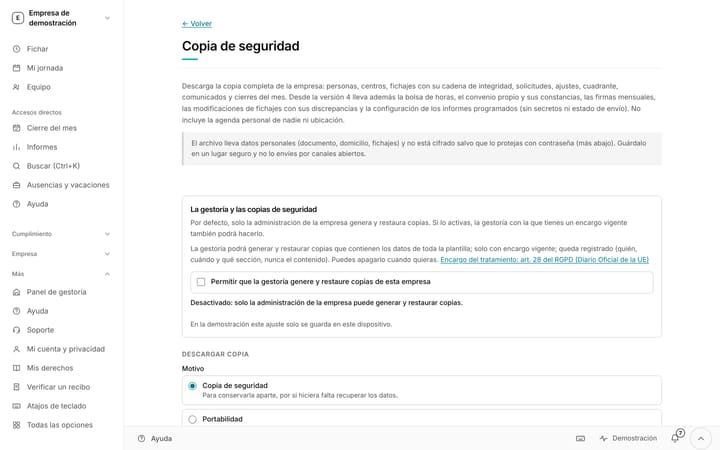
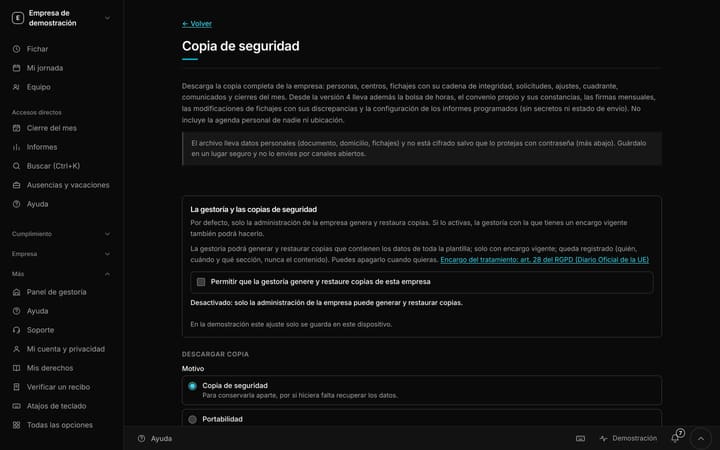
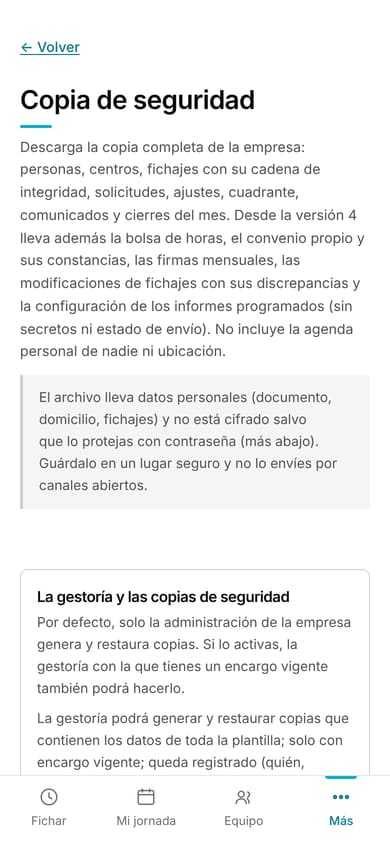
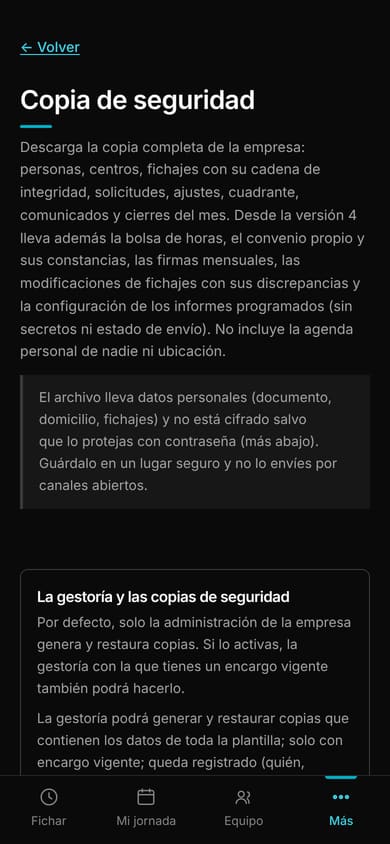
BackupIn demo
Screenshot from the demo, with fictitious data. The interface shown is in Spanish.
Free until 31 May 2027. Just your email.
No card and no billing details: your email is all you need to start. You register your team in five minutes and you clock in today.